UX Research · Character Design · AI Prototyping
Picabon

An AI that never shows a child a better picture — it tells them a story about the one they already made.

Year 2026
Role Designer
Type Research + Prototype
Scroll
Challenge
Generative AI can already paint better than most adults. Picabon asks what that does to a five-year-old holding a crayon.
Discipline
UX Research Character Design Prototyping Prompt Design
Platform
Figma Prototype
Blender · After Effects · n8n
The Problem

Why This
Matters

Children today grow up surrounded by AI in a way no generation has before, and visual generative tools can now create finished paintings from a few words. That makes it easy for anyone to skip years of practice — but it can also quietly change how children learn to draw in the first place. Instead of spending time on brush strokes, many now start from an AI image and build from there.

Painting matters for children well beyond the picture itself: it trains their hands, builds creativity, and gives them something to feel proud of. The risk sits in the quality gap — when a five-year-old compares their own painting to a flawless AI one, the result is either disappointment or a quiet habit of just copying what the machine made instead of creating from their own ideas.

Research Question
How can we design an AI interface for children's painting that does not harm their creativity — but instead helps them discover and develop their own personal style?
State of the Art

What Painting
Is Actually For

Pablo Picasso spoke often about the value of children's painting and its role in real art.

"It took me four years to paint like Raphael, but a lifetime to paint like a child."Pablo Picasso

He learned skilled, realistic painting in a few years as a young man — but the free, honest way children paint took him a lifetime, and he spent his later Cubist years chasing that same childlike freedom. Research backs the instinct: Viktor Lowenfeld's stages of artistic development show that early free painting builds imagination and problem-solving, skills that support creativity for life. Left unprotected, that instinct fades fast — George Land and Beth Jarman's longitudinal creativity tests found a decline from 98% "genius level" divergent thinking in young children to far lower by the teenage years.

Pablo Picasso
Pablo Picasso

Three existing tools were researched directly, and each — in its own way — nudges kids toward copying rather than creating.

Drawing Robot for Kids

Talks, uses 16 colours, draws alongside the child from 100 learning cards.

+ Cheap, hands-on, good for beginners.

− Kids stick to copying samples over time.

Doodle AI

Transforms a child's drawing into a high-quality image online, no age limit.

+ Sparks imagination with a "better" version.

− Disappoints with results beyond real skill; teaches nothing.

T3 Smart Drawing Projector

Projects vectorised drawings onto a surface for easy redrawing.

+ Builds basic hand skills early on.

− Reduces imagination — kids only trace, never invent.

Picabon fills the gap between the two failure modes above: it never locks a child into copying fixed samples, and it never hands over a perfect result. It works in small, encouraging steps — light suggestions only when needed — while the child always leads.
The Concept

A Loop,
Not a Mirror

Picabon runs on a back-and-forth cycle: the child paints, the tool reads the painting, and gives feedback. That feedback is never a picture to copy — it's translated into words first, then handed to an AI storyteller that writes a short, positive tale about what the child painted, using characters they already love.

After the story, Picabon offers one gentle, spoken suggestion: "Wow, your dragon looks so brave! In the story, the dragon wants to fly higher — maybe add bigger wings with your special colours?" Everything stays verbal. No visual model, ever.

98%→
creative "genius" score in young children, per Land & Jarman — the number this project tries to protect
20K
children's story chunks in Picabon's retrieval database
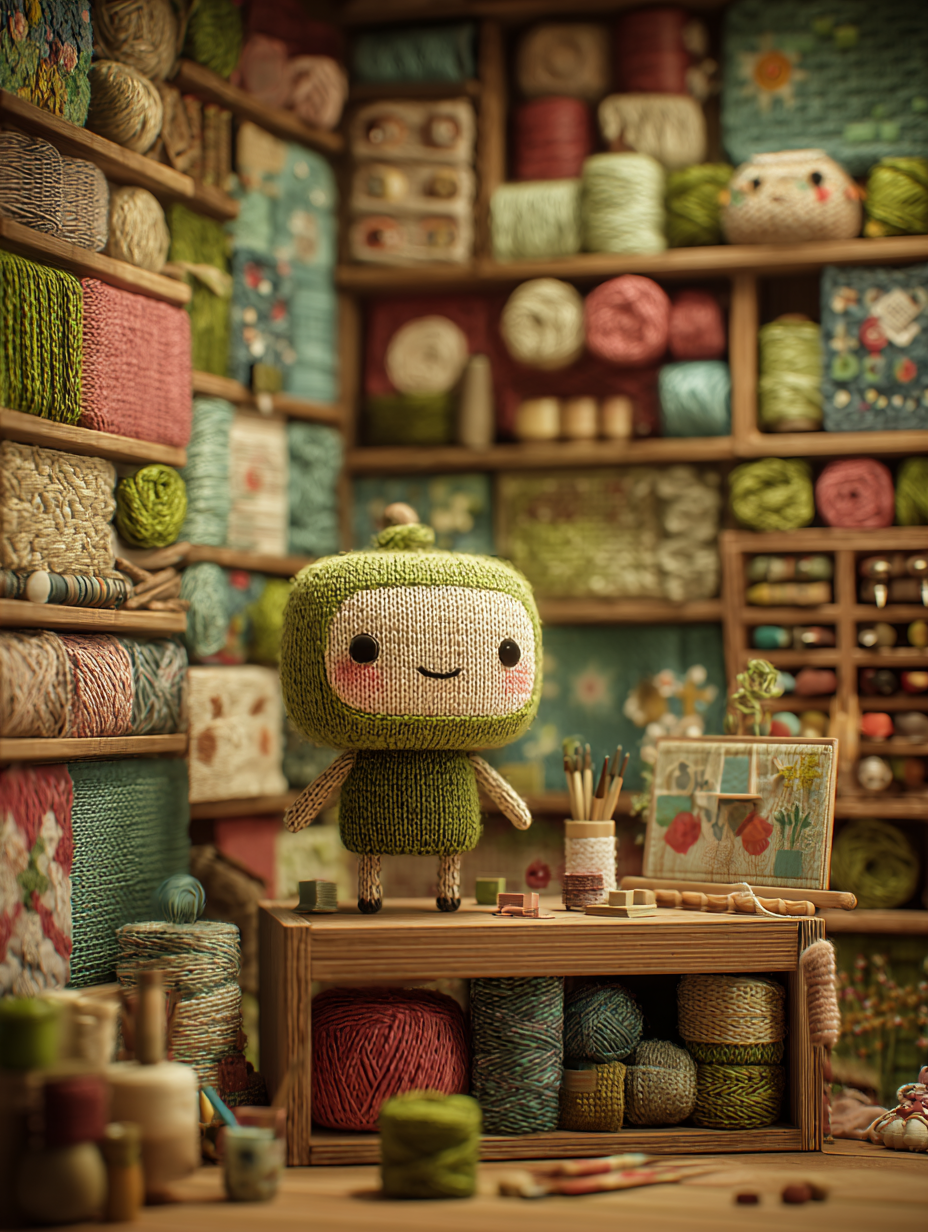
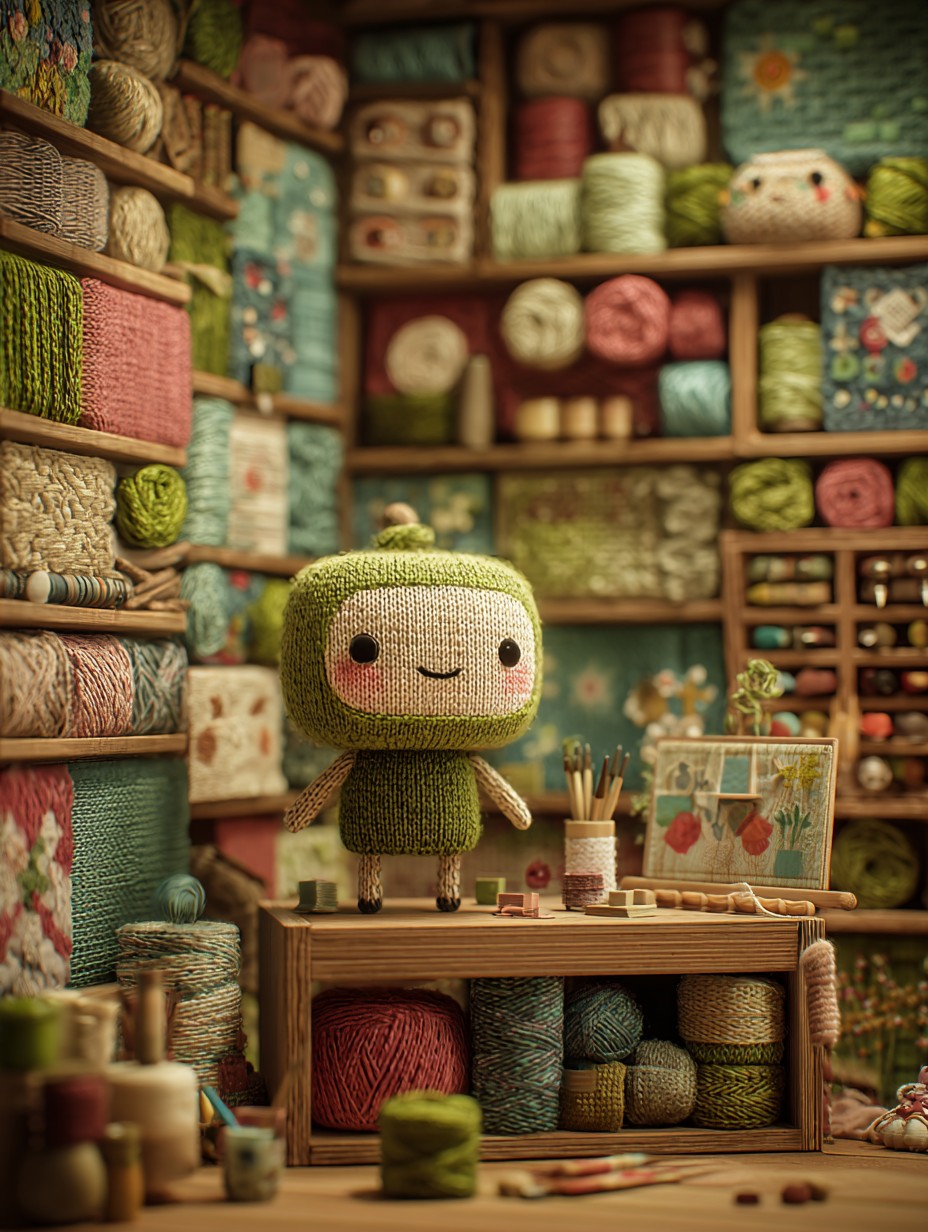
Picabon's main knitted character — a green-and-cream yarn figure standing in its cozy craft-room workshop
The Character · Knitted Concept

Crayon Mark
to Spoken Story

Two databases — a children's story library and a character library — feed a single AI agent that writes the story. No visual model is ever surfaced to the child.

Kids Story Books Database
Character Database
feeds
Kids Painting Input
Extract Data from Image
Convert to Text
AI Agent
Story Generator
Text to Voice
Spoken Output
to Child
Child's painting Extract data from image Convert to text AI Agent Story Generator Text-to-Voice Character speaks to child
Character Design

From Troll
to Yarn

Knitted, On Purpose
Yarn can be shaped into almost anything — and it reads as cute, warm, and handmade before it says a single word.

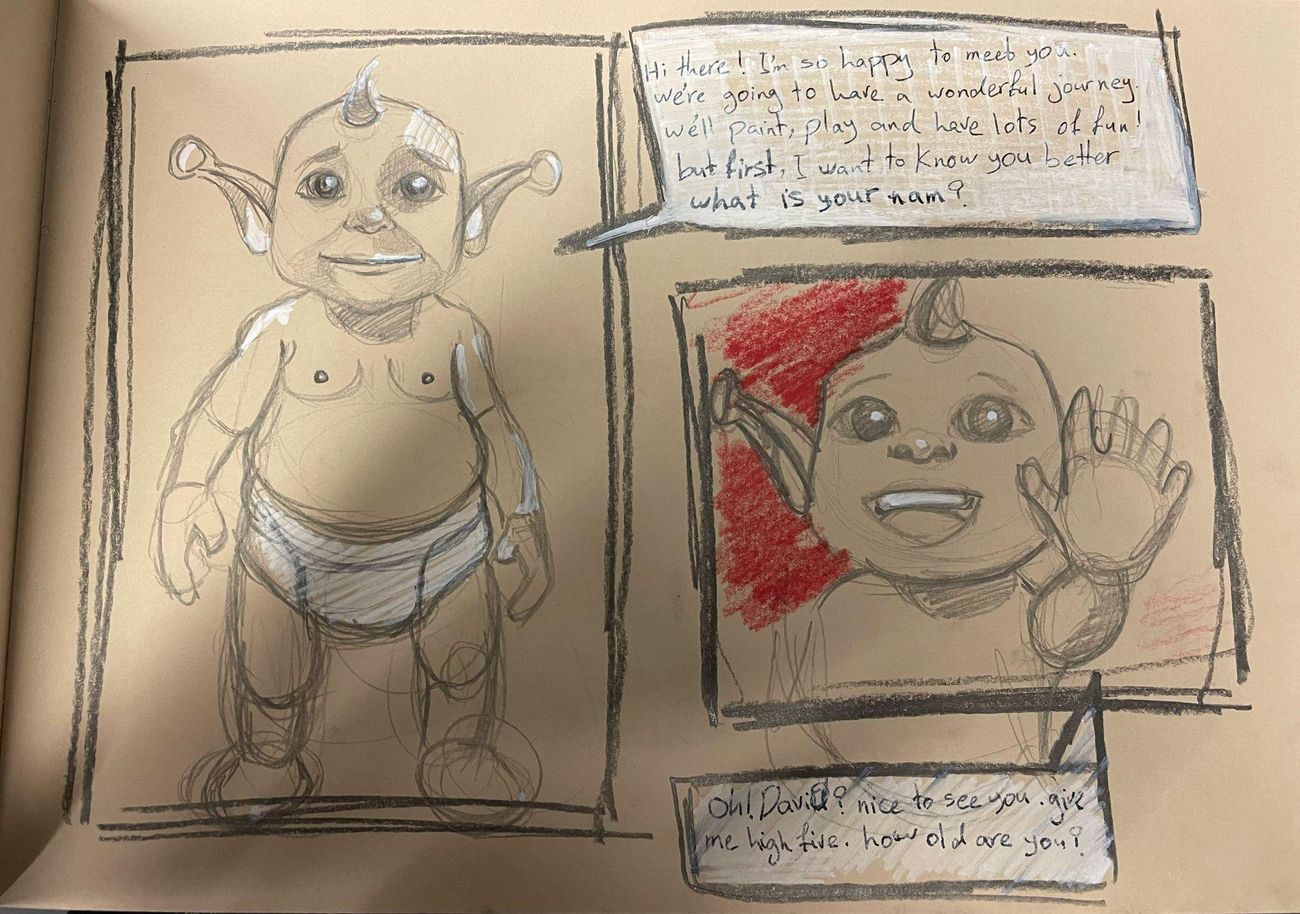
The first prototype used Shrek as a base character. It was scrapped almost immediately — Shrek is copyrighted, with a strong predefined identity that ruled it out for a real product. The direction shifted to something neutral and original instead.

The character was first designed in 2D. Inspiration then came from Buddy, a children's language-learning app with a highly expressive 3D lead character — watching how playful that presence felt to kids is why Picabon's character moved from 2D to 3D.

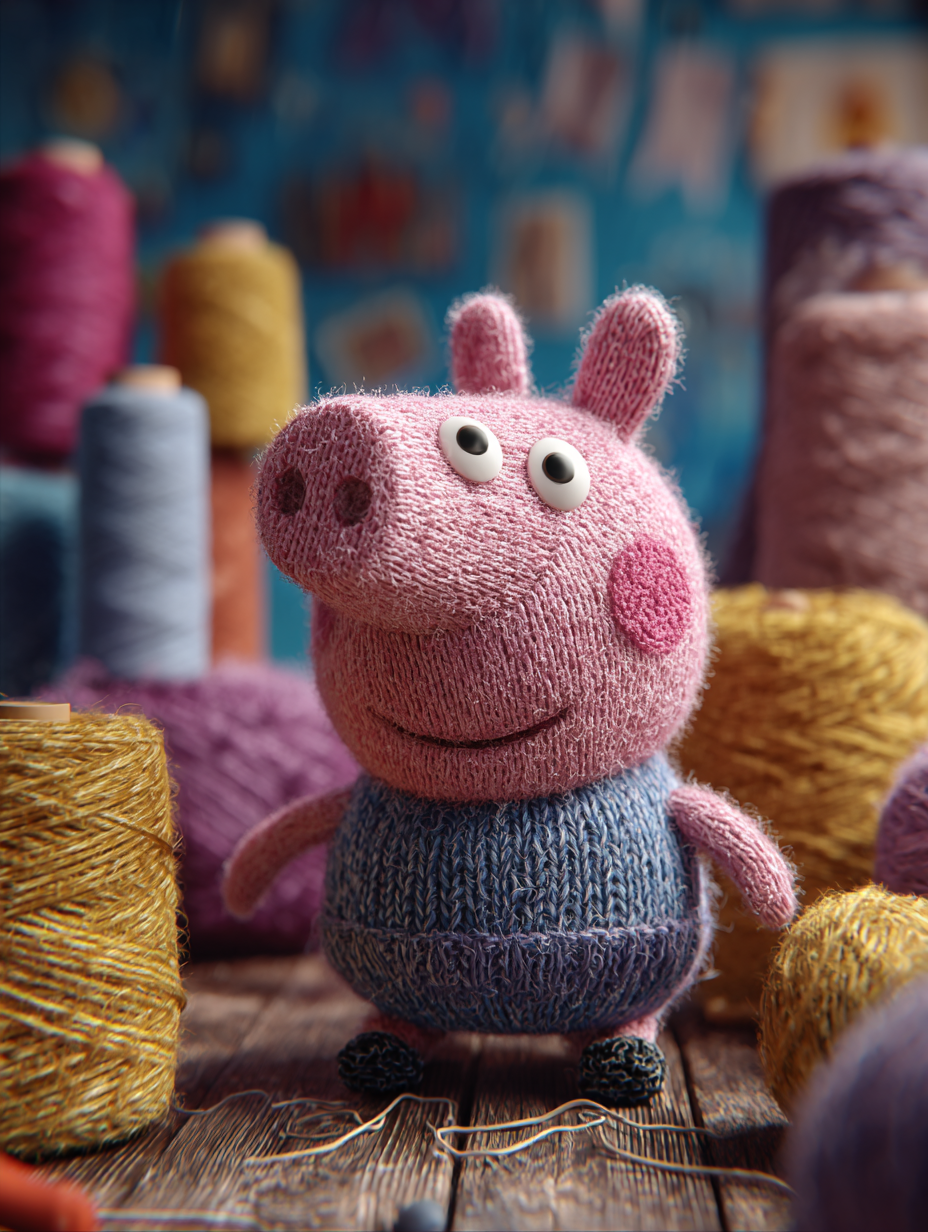
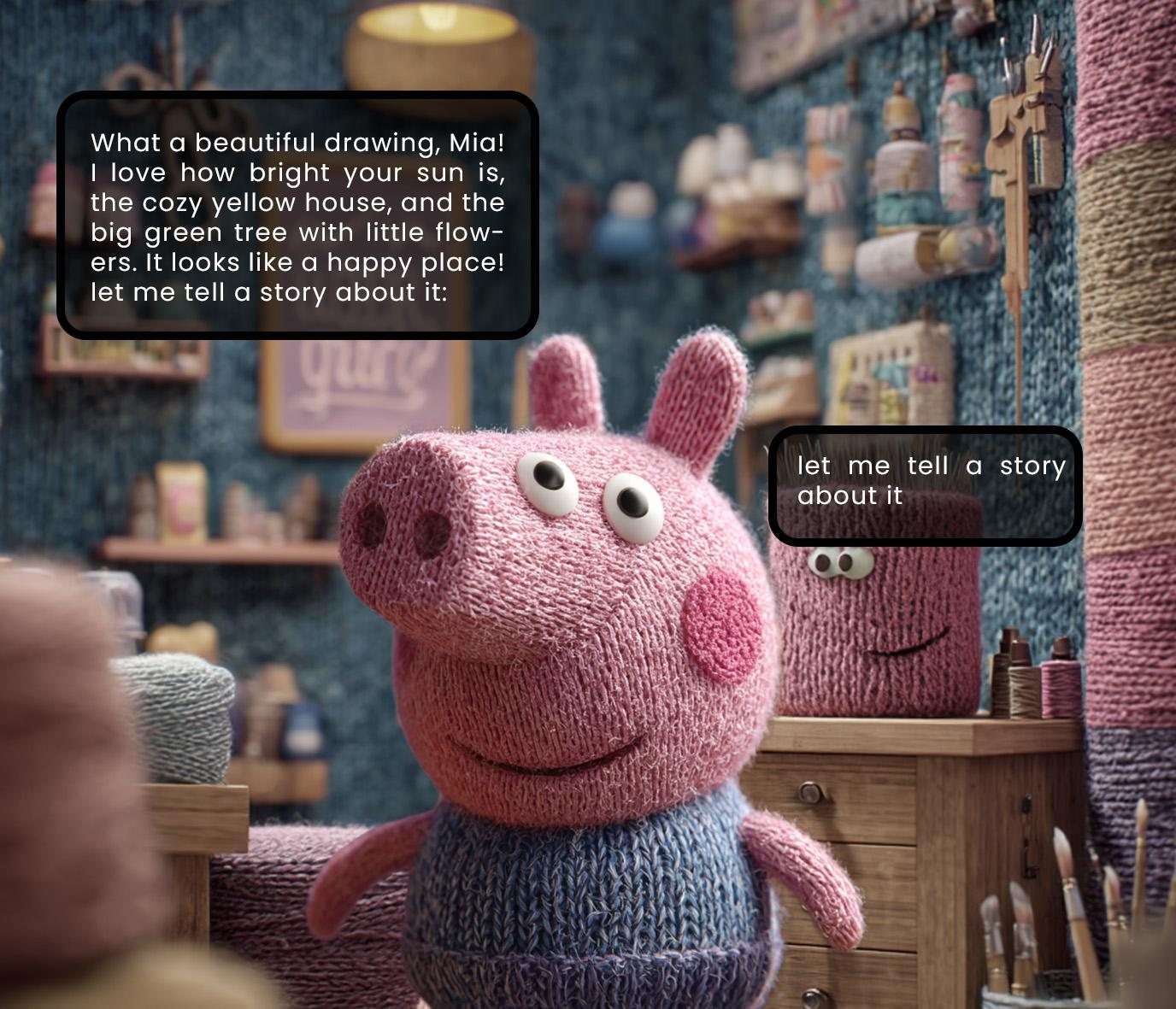
Full 3D animation wasn't realistic under the time available, so the finalized character design was illustrated in 2D in Illustrator and animated in After Effects. Toward the end of development, a concrete scenario anchored the design: a five-year-old named Mia, whose favourite character is Peppa Pig — so a knitted-yarn 3D model inspired by Peppa was sculpted in Blender to match.

Hand-drawn sketch of the abandoned, Shrek-inspired first character
Step 1 · Abandoned Sketch
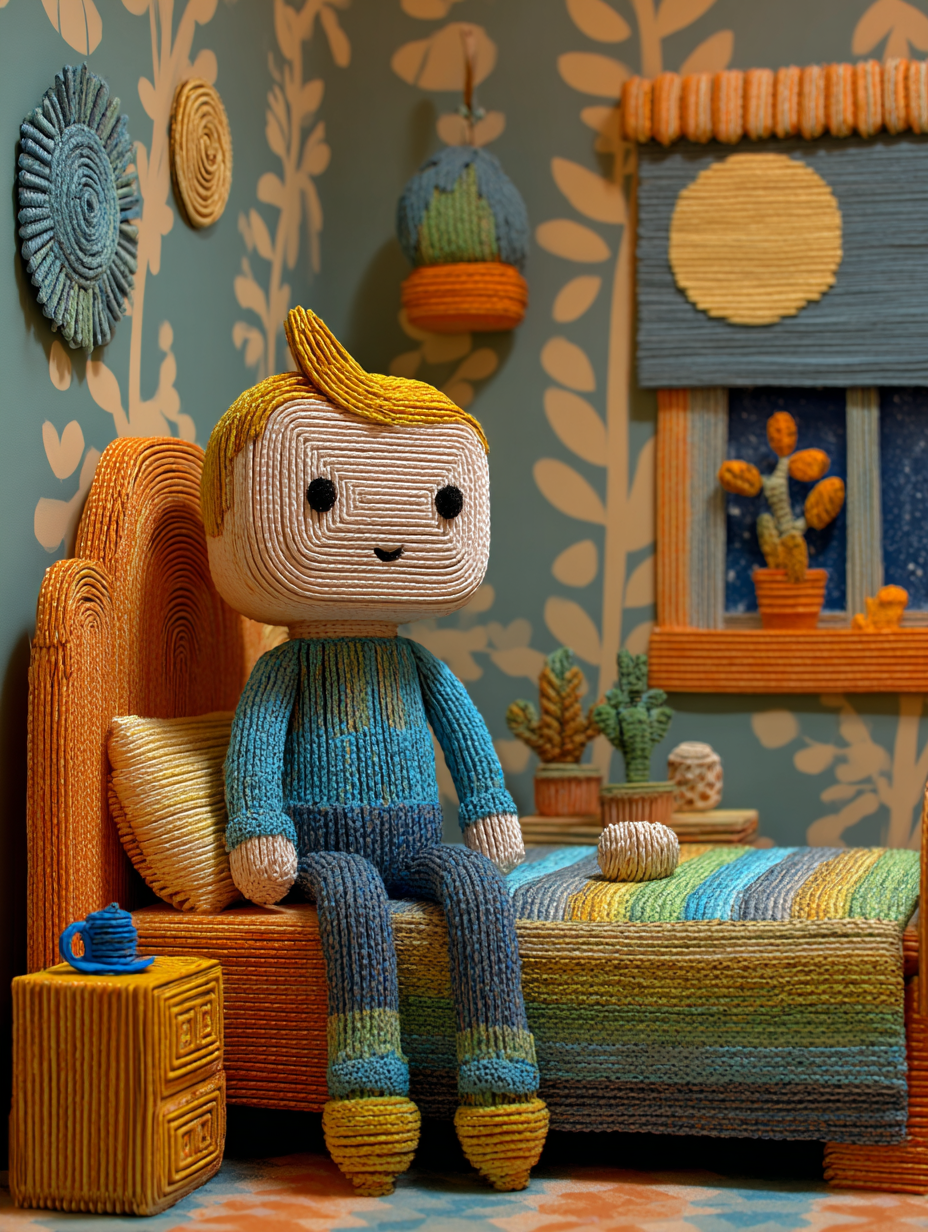
Knitted boy character sitting on a bed in a cozy illustrated bedroom, the reference mood image for Picabon's character direction
Step 2 · Reference
Finalized knitted character design shown standing on a workbench in a cozy craft room full of yarn
Step 3 · Finalized Character Design
Knitted Peppa Pig-inspired character, imagined as Mia's AI avatar in the story
Step 4 · Mia's AI Avatar (Imaginary Story)

The System
Prompt

The exact prompt driving story generation — it takes the painting's extracted elements plus retrieved story chunks, and asks for one short, positive story back.

System Prompt
You are a warm, fun, and creative storyteller for children aged 5-10. The child drew a painting. Here are the main elements extracted from the painting: {painting_elements} Here are some story pieces from famous children's books that are similar: {retrieved_chunks} Create a short, exciting, and positive 4-6 sentence story for the child. - Mix the painting elements with ideas from the similar books. - Make the child feel proud of their painting. - Use simple, happy, and magical language. - End with something nice.
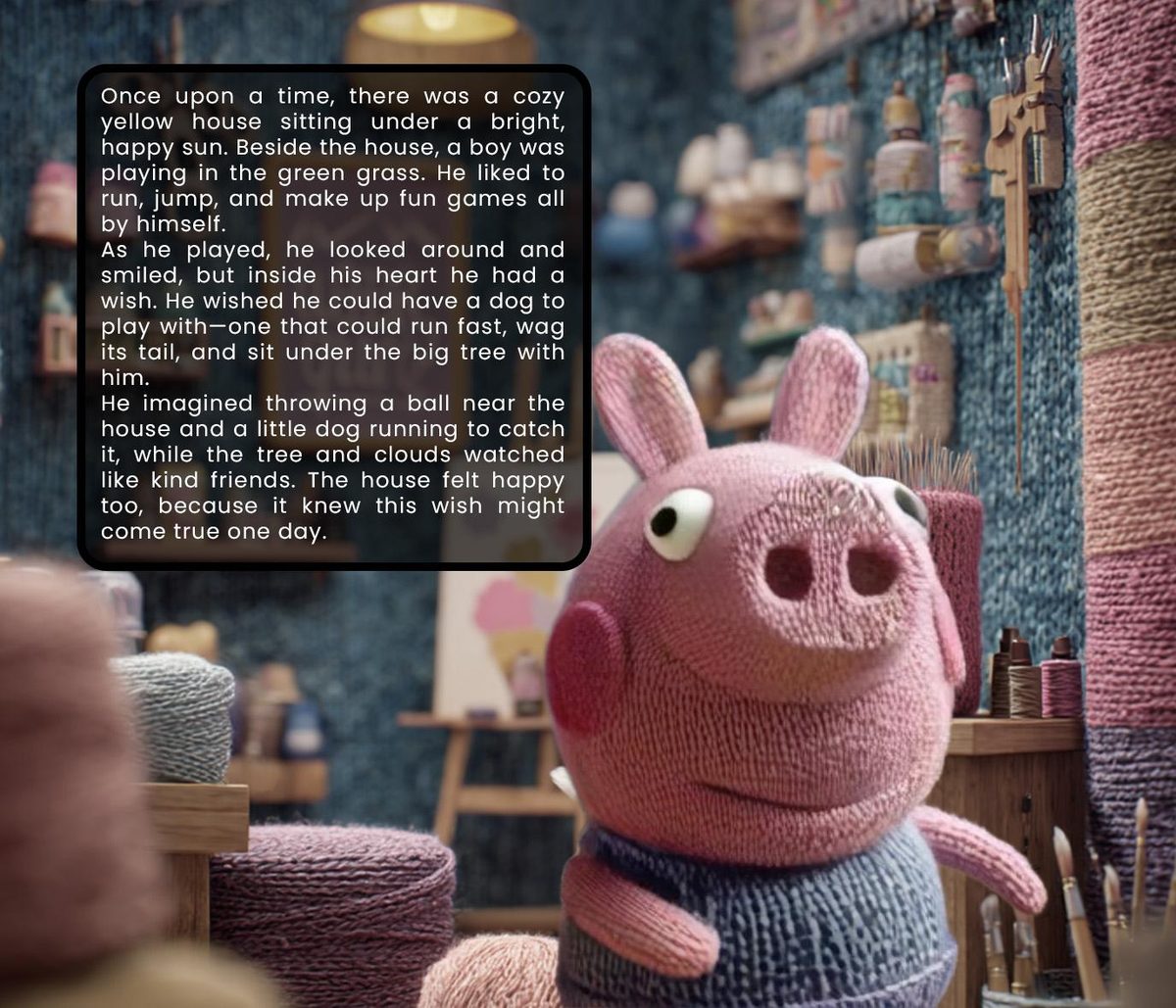
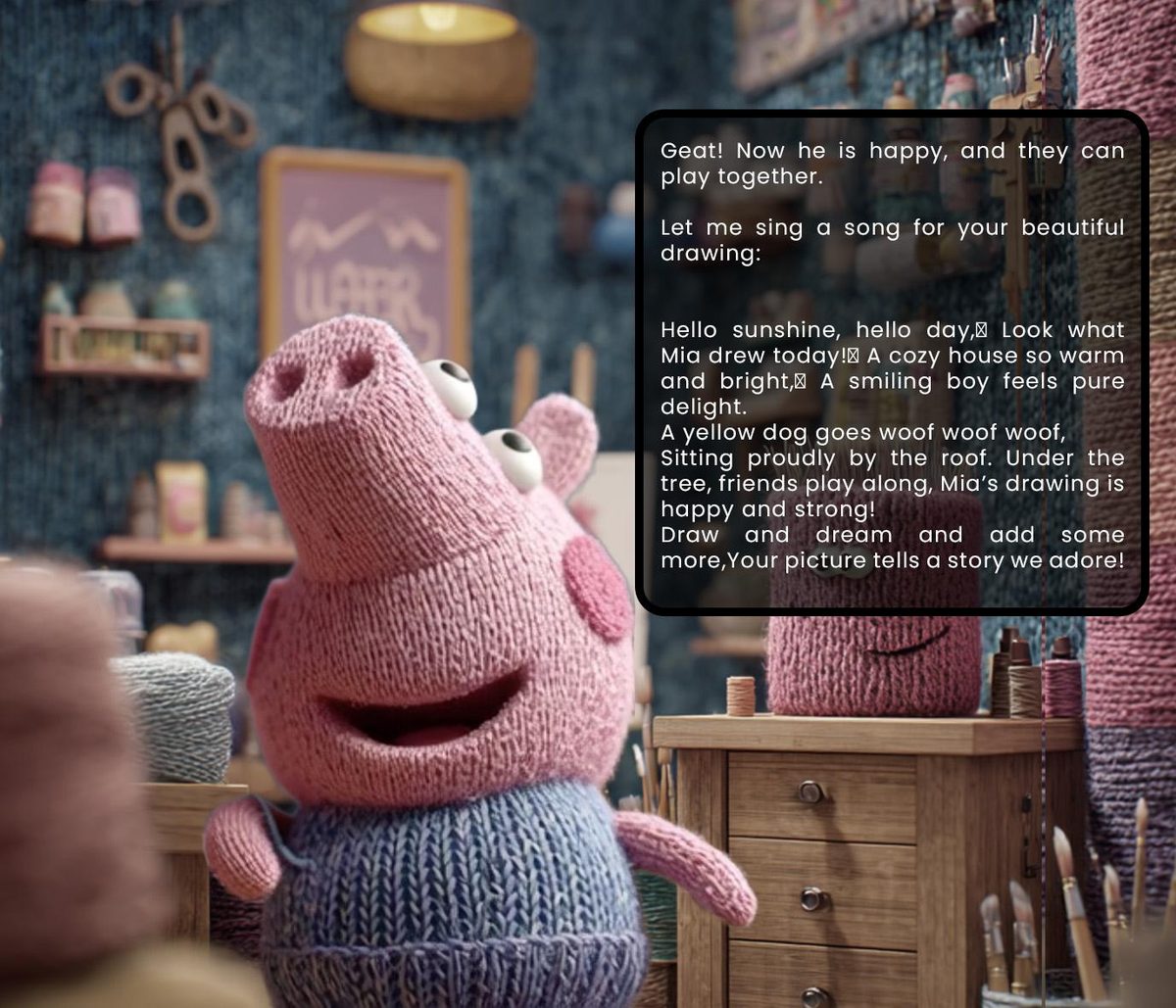
The generated story shown to Mia, built from her own painting
Product Design

The Prototype

Core Experience
A functional prototype was built end to end. It takes a child's painting, extracts its visual elements, retrieves relevant chunks from the children's-literature database, and generates a short, personalised, spoken story plus one gentle suggestion — delivered by the knitted 3D character.
Seven Components
  • Painting input & feature extraction
  • Textual description generator
  • Story retrieval engine (semantic search)
  • Story & feedback generator (LLM + system prompt)
  • Character database + voice
  • Text-to-speech + animation trigger
  • UI / character display layer, in Figma
Design Constraints
Young children's limited reading ability demanded a very simple interface. Child safety and content appropriateness had to be designed in, not bolted on. And the system had to hold up against wildly different drawing styles — a scribble and a careful sketch both had to earn a story.
Mia's session, in the Art room
Picabon reads Mia's painting back to her before starting the story
01 — Reads the painting back to Mia
Picabon closes with a short original song about Mia's drawing
02 — Closes with an original song, not a critique
Research

What
Surprised Me

01
Storytelling Motivated More
Kids asked to "paint more for the story" even after 30–40 minutes — far past typical engagement with copying-based tools.
02
The Character Pivot Mattered
Switching from a licensed character to an original knitted concept dramatically increased how "owned" it felt to kids.
03
Abstract Drawings Won
The messiest, most abstract paintings produced the most creative stories — the system rewards divergent thinking by accident.
04
Retelling Amplified Learning
Kids retelling the story to parents boosted learning further — an unplanned benefit that emerged during testing.
AspectDrawing RobotDoodle AIT3 ProjectorPicabon
Primary interactionCopying cardsVisual upscalingProjection tracingVerbal storytelling
Risk of discouraging originalityHighVery highHighVery low
Encourages personal styleLowLowLowHigh
Output modalityPhysical robotStatic imageProjectionAudio + character
Age focus5+All ages5+6–10, early creative phase

Picabon is the only one of the reviewed tools that avoids visual perfection or copy-models altogether, using storytelling as the entire feedback mechanism.

Reflection

What Actually
Happened

Mixing drawing and storytelling genuinely engaged children in testing. They didn't just listen to a story — they became active participants by feeding their own ideas in through painting first. Children aged 6–10 showed more interest in trying new colours, shapes and ideas after story-based suggestions than after copying-based tools, evidence that Picabon builds confidence and personal style early, letting technology support real growth instead of replacing it.

Against the research question: by using verbal stories with no visual models and no copying rules, Picabon proves AI can support a child's personal style when it's built around motivation and play instead of perfection.

Strengths

  • Truly child-led — verbal-only feedback, no visual model ever shown
  • High personalisation through favourite characters + retrieval-augmented generation
  • Combines drawing and storytelling, supporting multiple developmental areas
  • Strong ethical foundation — no disappointment from "perfect" images
  • Scalable architecture: database + prompt engineering, not hand-built content

Weaknesses

  • Still a prototype — image understanding isn't fully automated yet
  • Story database capped at 20K chunks, so occasional repetition shows up
  • No large-scale user study yet, only informal sessions
  • 2D animation reduces perceived "aliveness" vs. the planned full 3D
  • Currently English-only
ChallengeSolution Implemented
Copyright issues with the first characterAbandoned Shrek → created an original knitted concept
Full 3D animation too time-consumingSwitched to 2D illustration + After Effects animation
Very large story dataset (874K entries)Filtered to 20K high-quality chunks, 20–350 words each
Accurately reading abstract child drawingsFlagged as a current limitation; vision model planned
No real-time voice & character sync yetPipeline prepared for ElevenLabs + lip-sync, future iteration
Conclusion

What This Proves,
What's Still Open

The project delivered an AI-supported storytelling application that responds directly to a child's own drawing — built to preserve their unique visual expression rather than push them toward a predefined style. Children are encouraged to retell the generated story to parents or friends, exercising narrative thinking and confidence in self-expression along the way. AI acts as a creative partner here, not a replacement for a child's creativity.

The storybook database isn't complete, which caps narrative diversity; the system still struggles to interpret very abstract drawings accurately; and time constraints ruled out the originally planned full 3D animation. The app also hasn't been tested extensively across different environments yet — age adaptability, broader language support, and parental controls all need more work before this is real-world ready.